Step 1: Dial *234# from the nominated number To activate Fuliza ya Biashara, you will need to dial *234# from the phone number that is linked to your M-Pesa Business Till account. This will take you to the M-Pesa menu.
Step 2: Select M-PESA Business Till From the M-Pesa menu, select “M-PESA Business Till” to proceed to the next step.
Step 3: Select business loans Once you have selected “M-PESA Business Till”, you will be presented with a list of options. Select “business loans” to proceed to the next step.
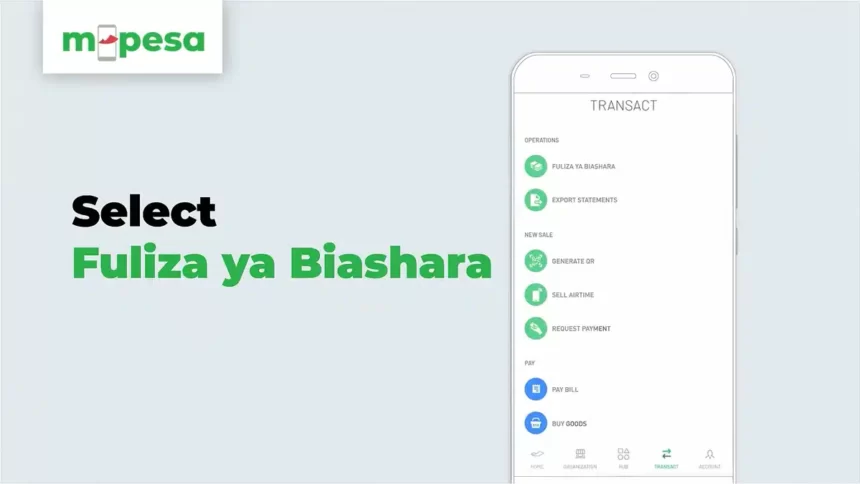
Step 4: Select Fuliza ya Biashara After selecting “business loans”, you will be presented with a list of loan options. Select “Fuliza ya Biashara” to proceed to the next step.
Step 5: Accept terms and conditions Before you can activate Fuliza ya Biashara, you will need to accept the terms and conditions. Make sure to read through the terms and conditions carefully before accepting them.
Step 6: Enter operator ID After accepting the terms and conditions, you will be prompted to enter your operator ID. This is the unique identification number that you use to log into your M-Pesa Business Till account.
Step 7: Enter operator PIN Once you have entered your operator ID, you will be prompted to enter your operator PIN. This is the unique code that you use to secure your M-Pesa Business Till account.
Step 8: Receive confirmation message After entering your operator ID and PIN, you will receive a message confirming that you have successfully activated Fuliza ya Biashara. The message will also indicate the Fuliza ya Biashara limit that has been assigned to your account.